SampleTuned
Your sample library, sorted by key and by type on one colour map. Hover a sound to hear it, click to copy it, drag it straight into Ableton.
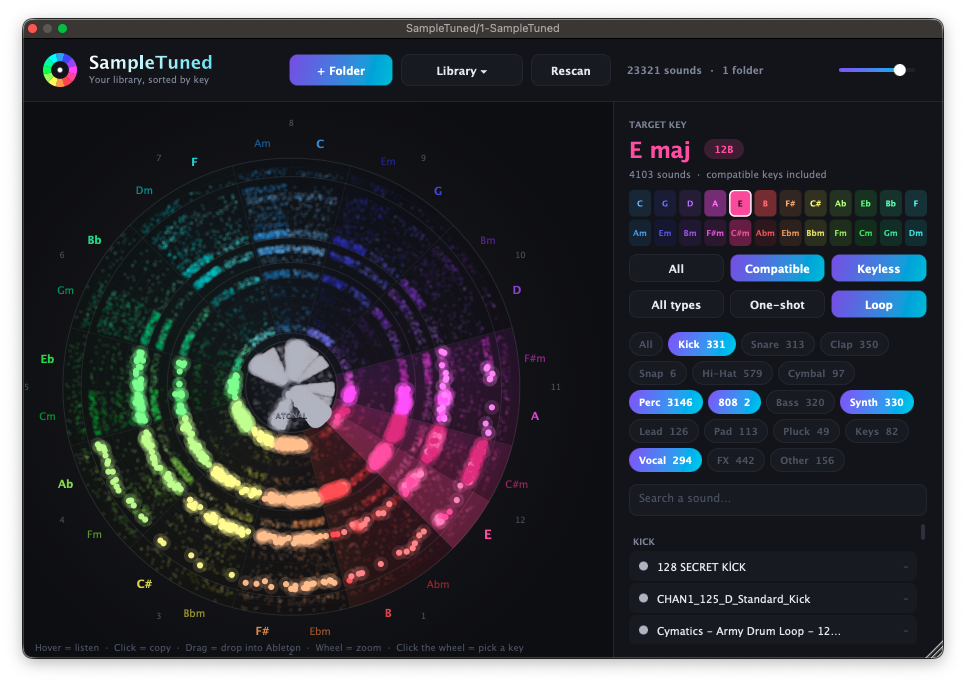
Pick a key on the wheel or the grid. Compatible keys (relative and fifth) light up too.
Key on the wheel
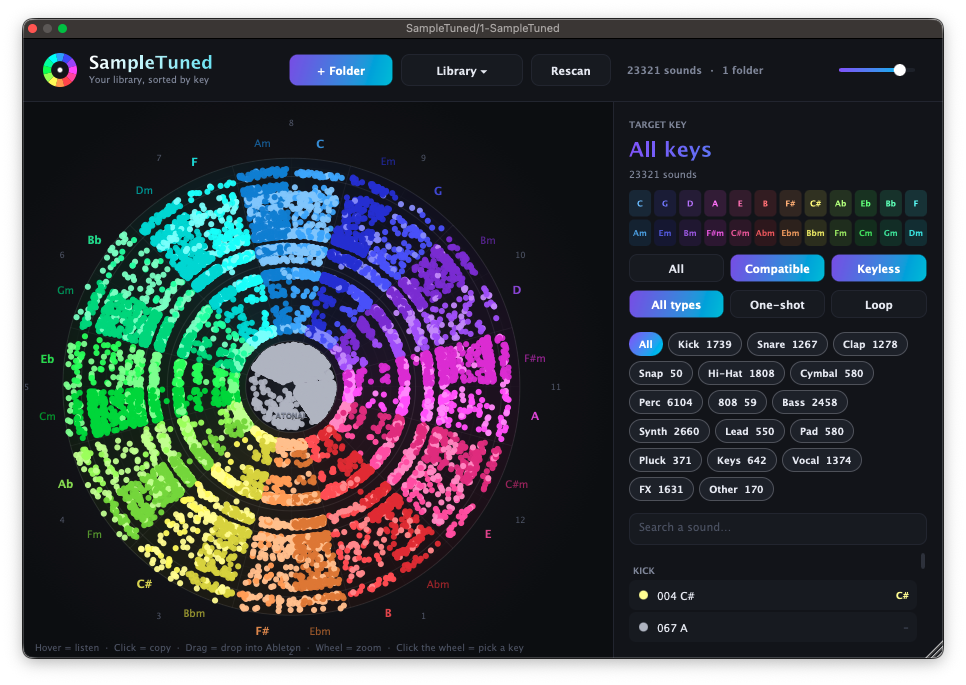
Keys sit on the circle of fifths, Camelot style. Each key gets its own colour, with a smooth gradient between neighbours.
Type in rings
Drums sit in the centre, then bass and 808, then synths, pads, keys, vocals and FX on the outside.
One-shot or loop
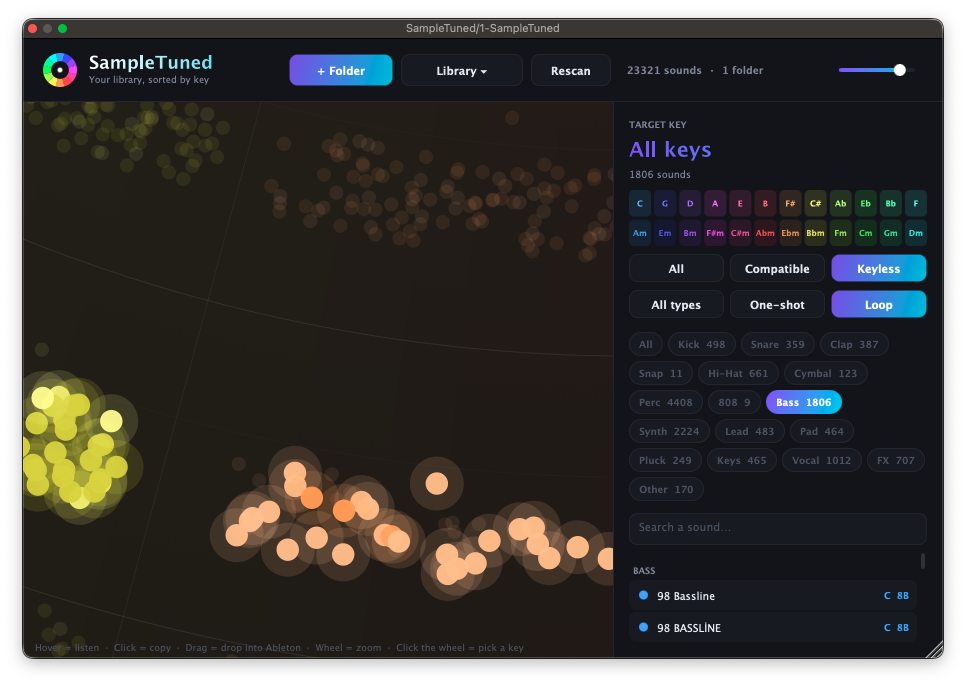
A new filter tells hits from loops, from the file name or from the sound itself.
Keyless sounds too
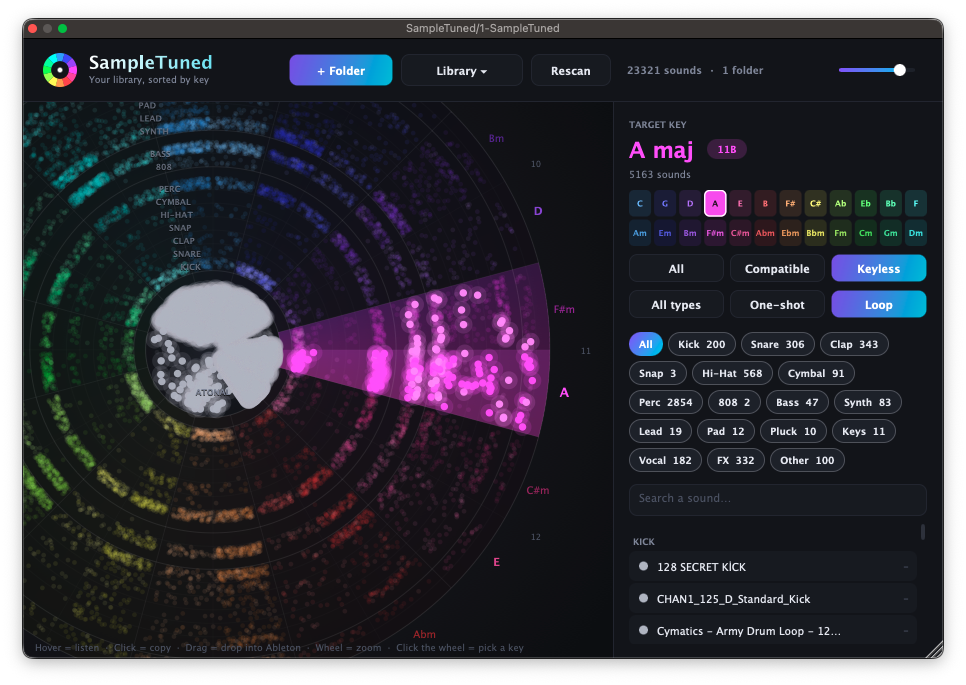
Hi-hats, claps and textures have no key. They stay in the centre, and you can show or hide them.
Download
Free until 8 November, then 10 €. Pick your system.
Install: unzip, copy SampleTuned.vst3 to your VST3 folder, then rescan plug-ins in your DAW. On a Mac, the VST3 folder is ~/Library/Audio/Plug-Ins/VST3. Enter your email to get the download, the same as for Lucky Beats.